

Red Finch Lab
16mm Film Processing (Motion Picture Film)
Quantity:
Pickup available at Orem Location
Usually ready in 5+ days
16mm Film Processing (Motion Picture Film)
Orem Location
Pickup available, usually ready in 5+ days
533 North 1200 West
Orem UT 84057
United States
Downtown Provo
Pickup available, usually ready in 5+ days
36 North University Avenue
Provo UT 84601
United States
South Salt Lake Location
Pickup available, usually ready in 5+ days
153 W Burton Ave
South Salt Lake UT 84115
United States
Choose options
Quantity:
Quantity:
This service includes the following:
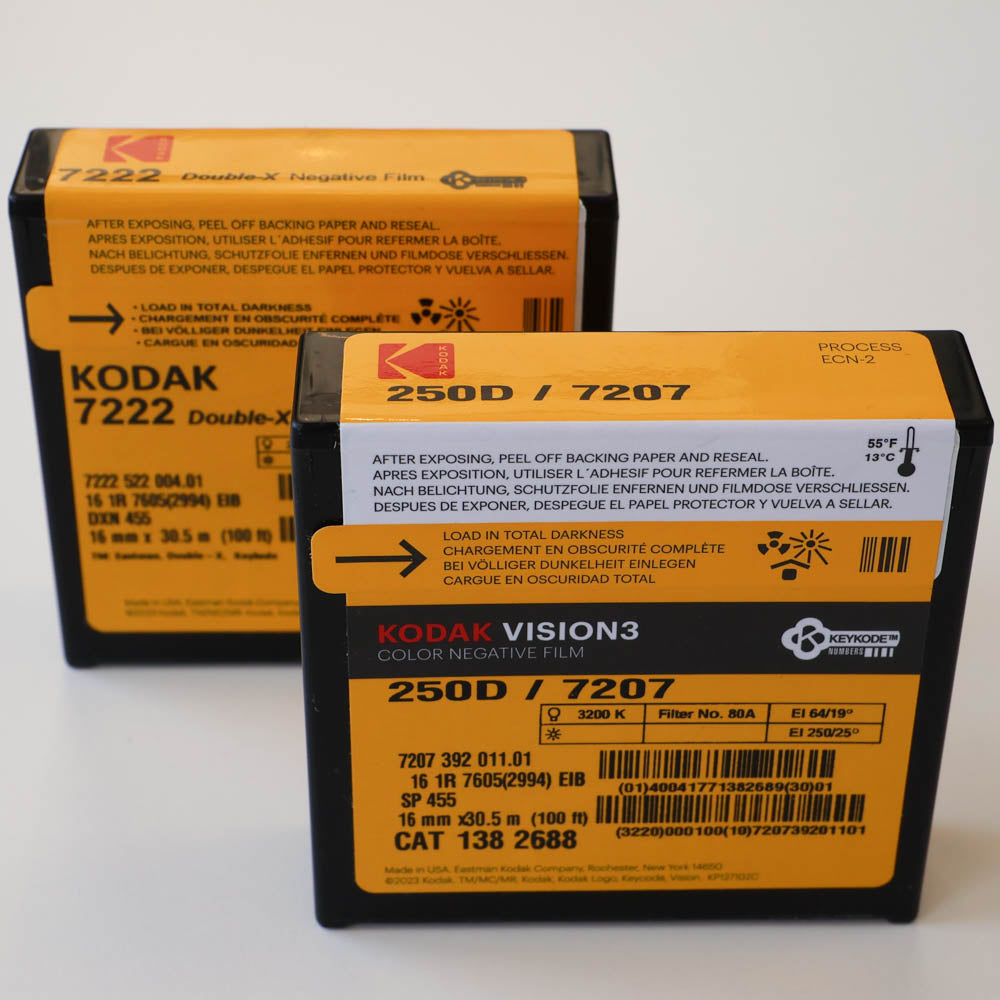
- Development of 16mm film.
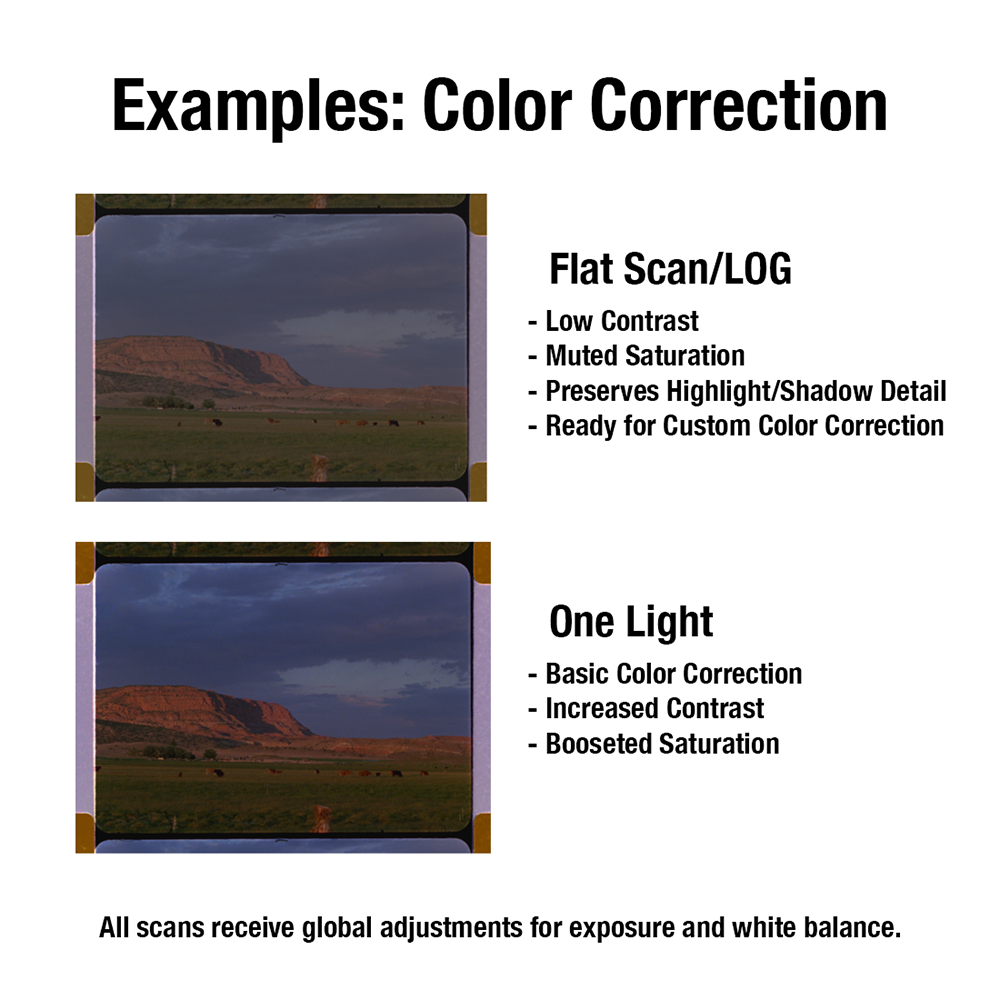
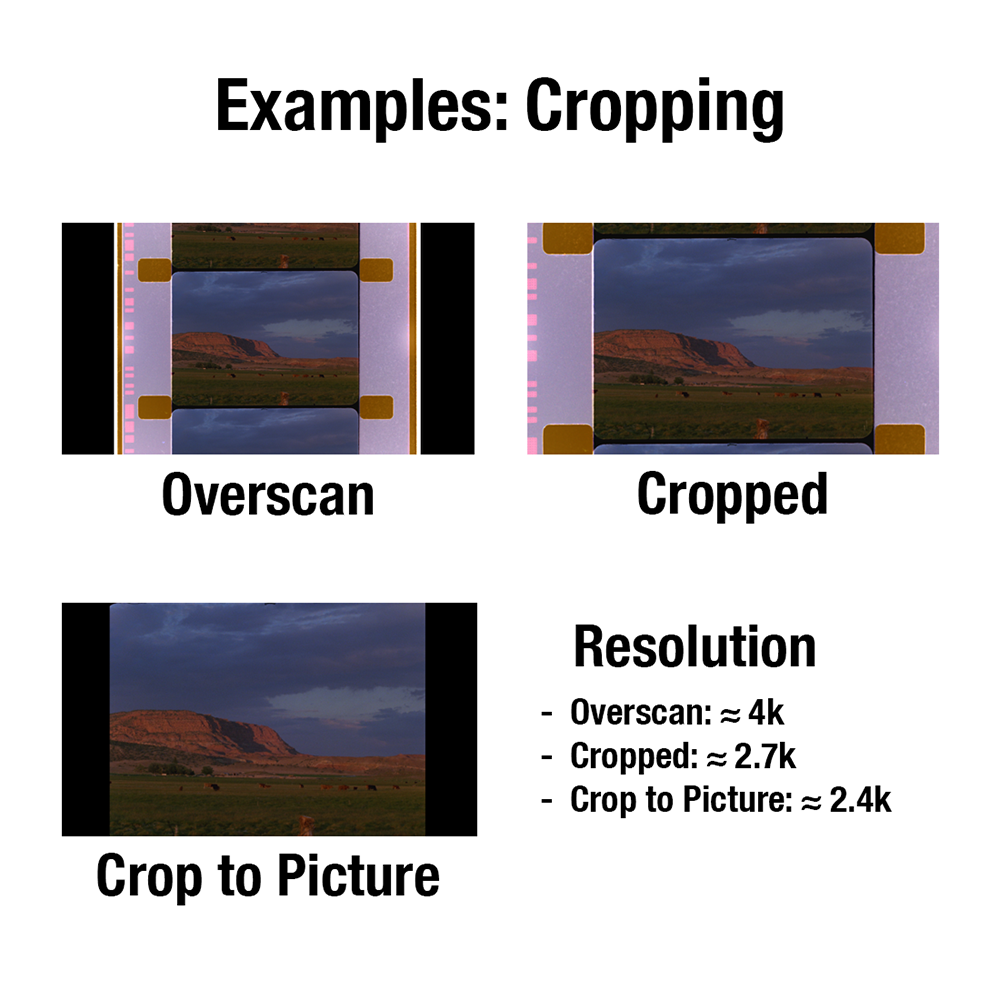
- Scanning service and delivery of digital scans via Google Drive.
Ship us your film!
Need to ship us your film for processing? Follow these steps:
- Select "Ship" at checkout, and check out as normal. (Please Note: The shipping charge at checkout is for us to return your order. You will either need to pay to ship your order to us or add our Prepaid USPS Label to your cart.)
- Place your film in a bubble mailer or box. Please include your name, 4-digit order number, email, and phone number with your film. (You can print out your order invoice and include that!)
- Using any major carrier (e.g., USPS, FedEx, UPS) ship your package to the following address: Red Finch Lab, ATTN: Film Processing, 533 N 1200 W, Orem, UT, 84057
Drop Off Your Film at One of our three Locations! Just check out normally and drop your film off at any of the places below
Red Finch Lab 153 Burton Ave., South Salt Lake UT 84114
Red Finch Lab 533 North 1200 West, Orem UT 84057
Red Finch Lab, 36 North University Ave, Provo UT 84601